Thrown away, uneaten
The USDA estimates 35% of the U.S. food supply is wasted every year — often just because no one knows what to make with what's left.
an AI cooking partner

PantryPal turns the ingredients you already have into meals you actually want to cook. Snap your fridge or your receipt — computer vision stocks your digital shelf, and an AI recipe engine does the rest.
Designed and built end-to-end: research, wireframes, a six-screen hi-fi prototype, and working code with a live Gemini API integration.
+40% task completion across testing rounds
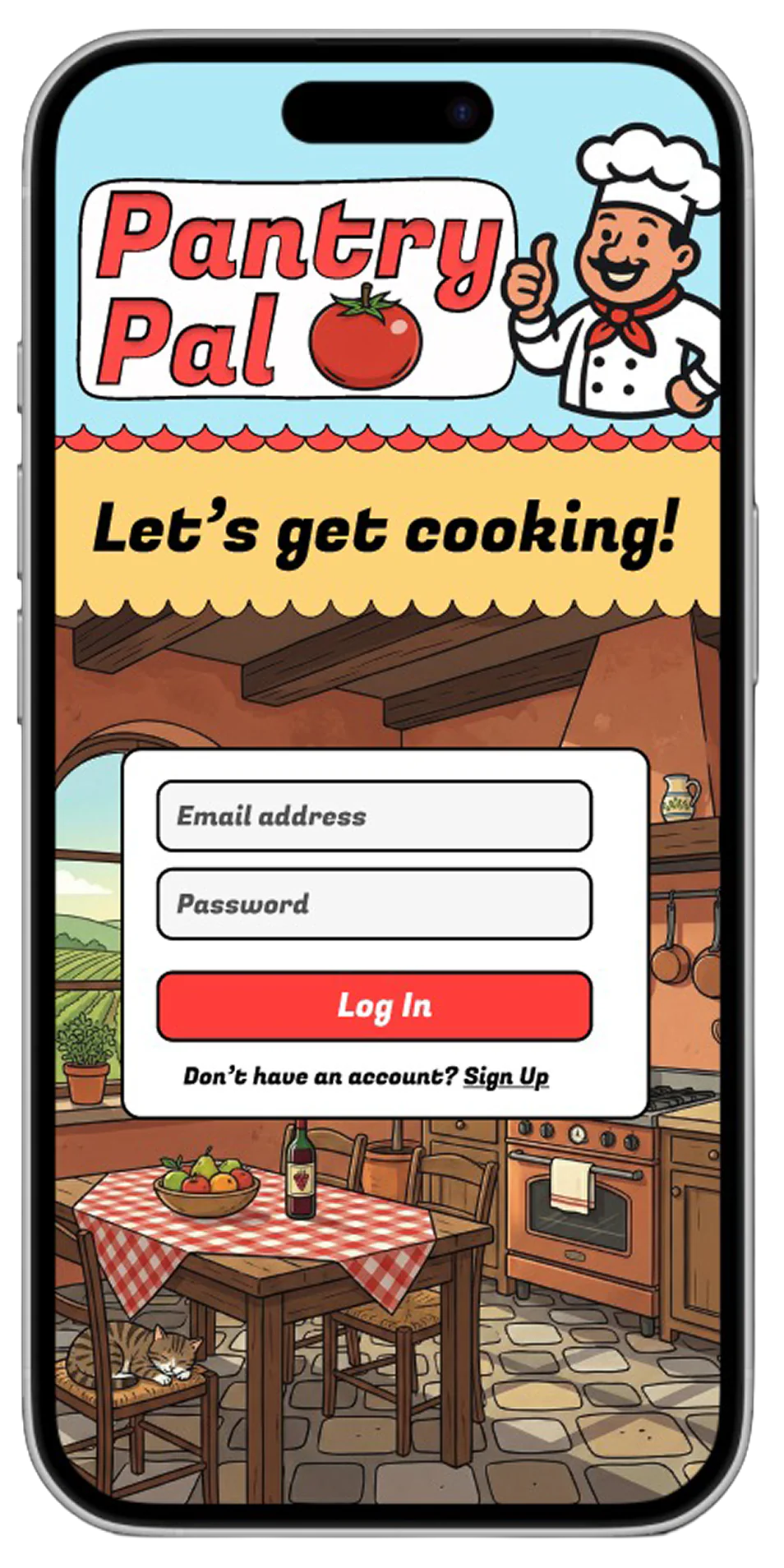
six screens, zero friction
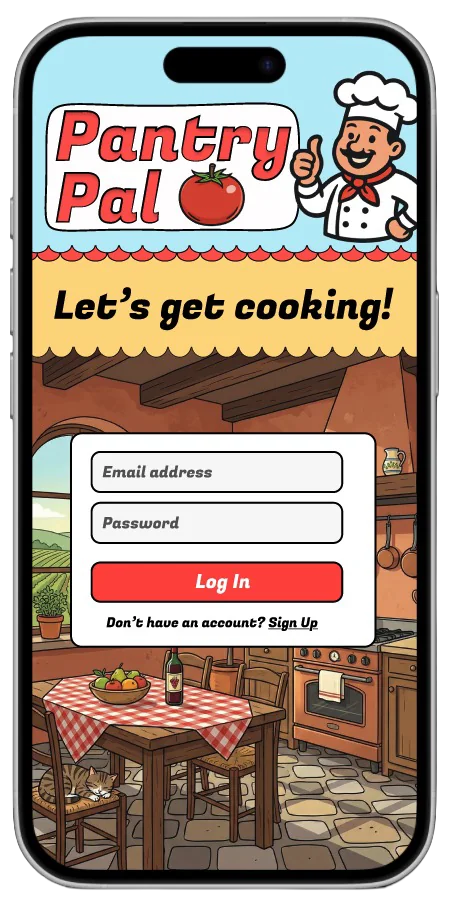
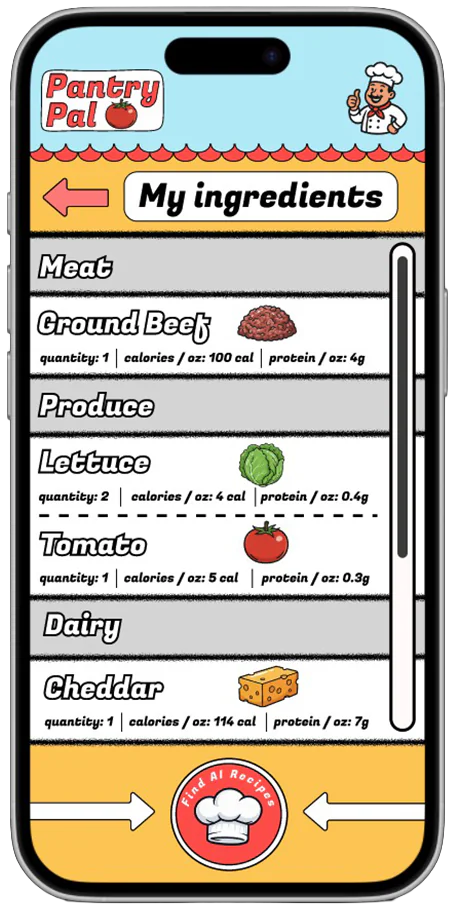
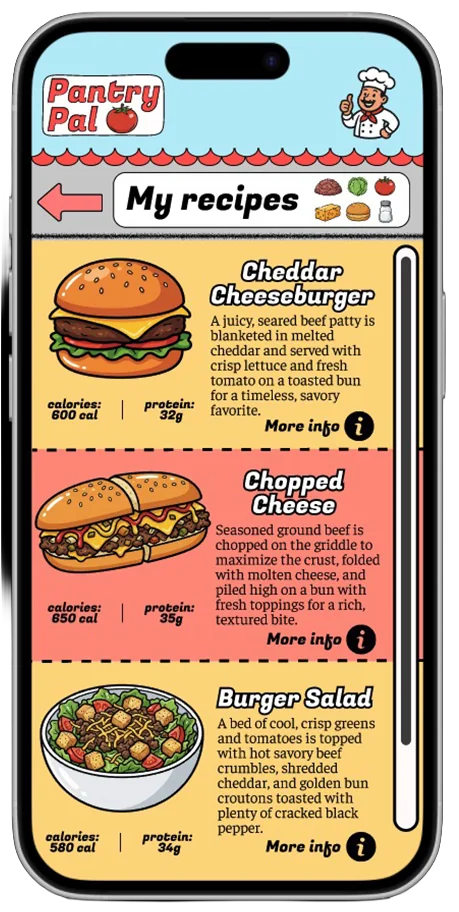
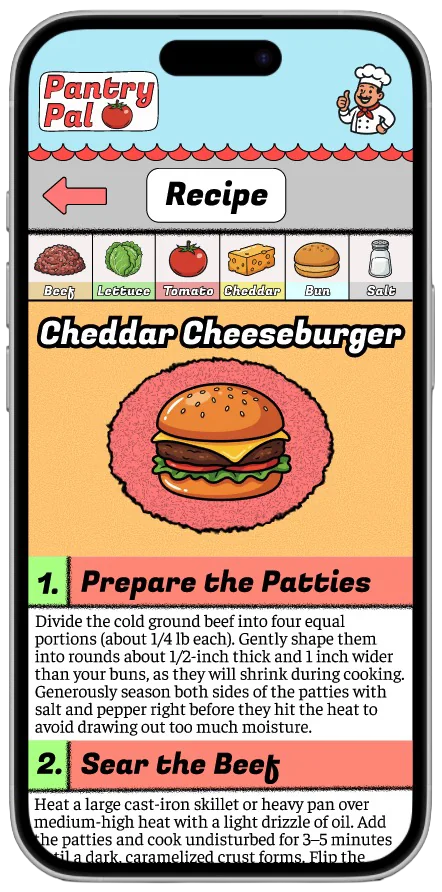
A warm front door — “Let's get cooking!” sets the tone before a single tap.
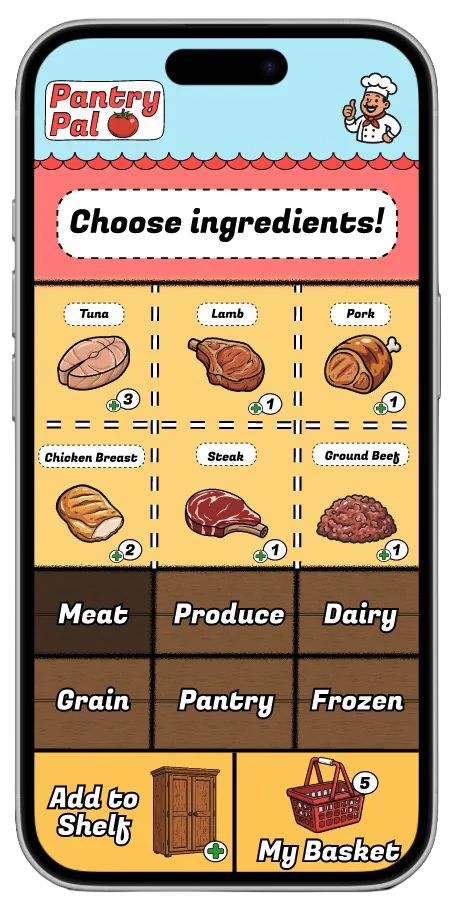
One screen, three jobs: view, add, and select ingredients — no detours, no repeats.
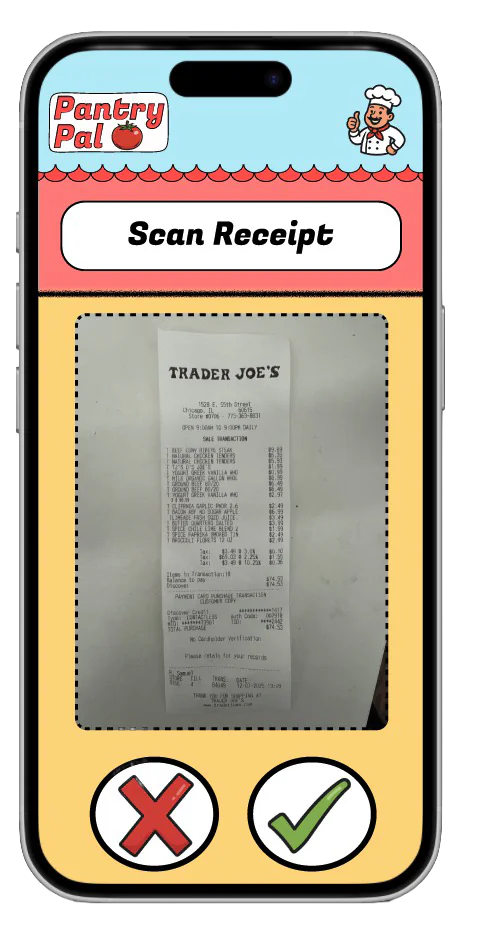
Point the camera at a fridge or a receipt; computer vision stocks the shelf for you.
A quick pass over the picks, then one big button: find recipes.
Generated meals with nutrition at a glance — choose whatever looks good tonight.
The payoff: the chosen recipe broken into simple, confident steps.
click the steps, the phone, or use ← →
how the shelf won
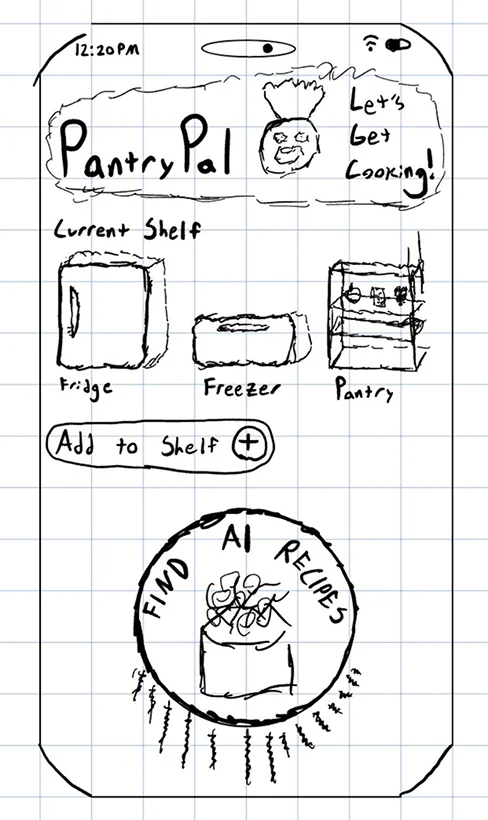
Fridge / freezer / pantry categories sounded tidy — and cost extra clicks at every turn.
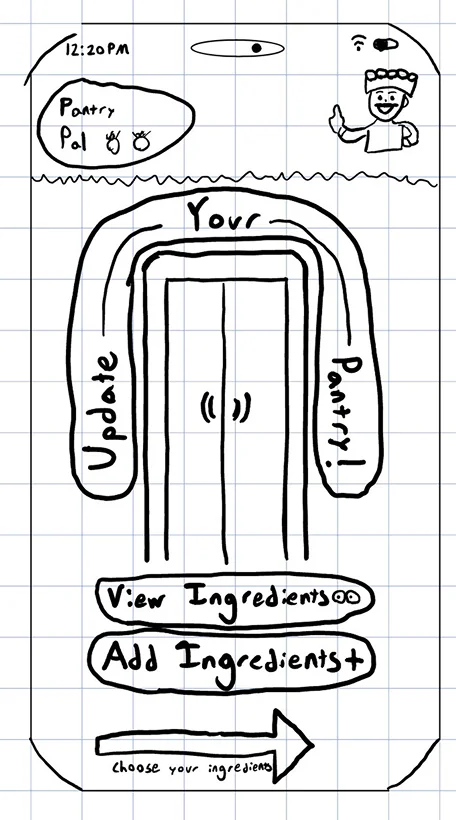
A separate add-then-select portal showed the same screen twice with slightly different jobs.
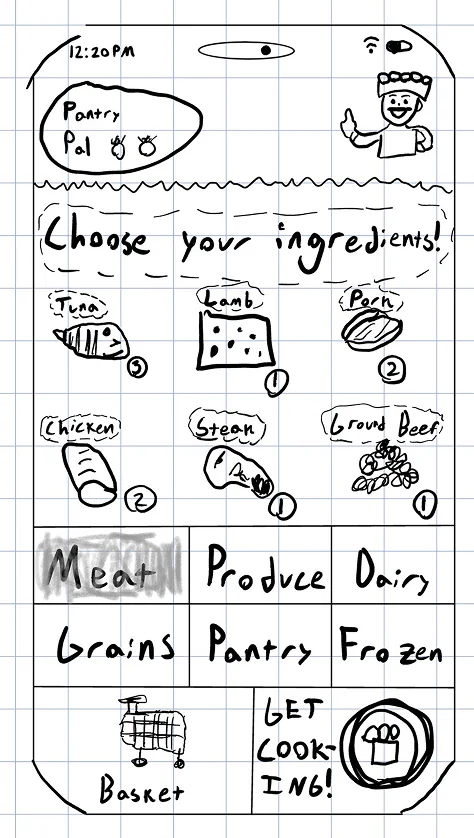
Add, view, and choose on a single screen, organized by food type instead of storage. Friction gone — it became the six screens you just walked.
a fun, breezy visual language
A warm, breezy palette makes opening the app feel like a treat — something users want in their routine, not another chore.
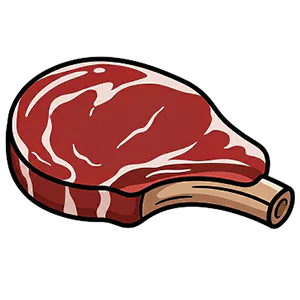
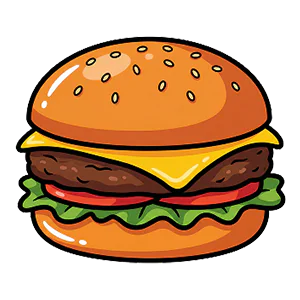



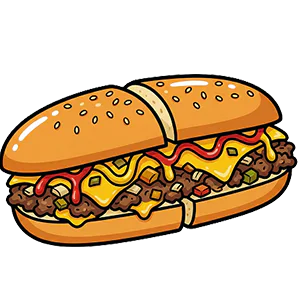
The illustrations carry the fun without costing clarity — users enjoy the imagery and still read every screen at a glance.
“Simple is better — every step should make the next action obvious.”